
Tap our Virtual Assistant located on the lower left corner of your screen to start a conversation.
How to save our Virtual Assistant on your phone Home Screen for quick access?
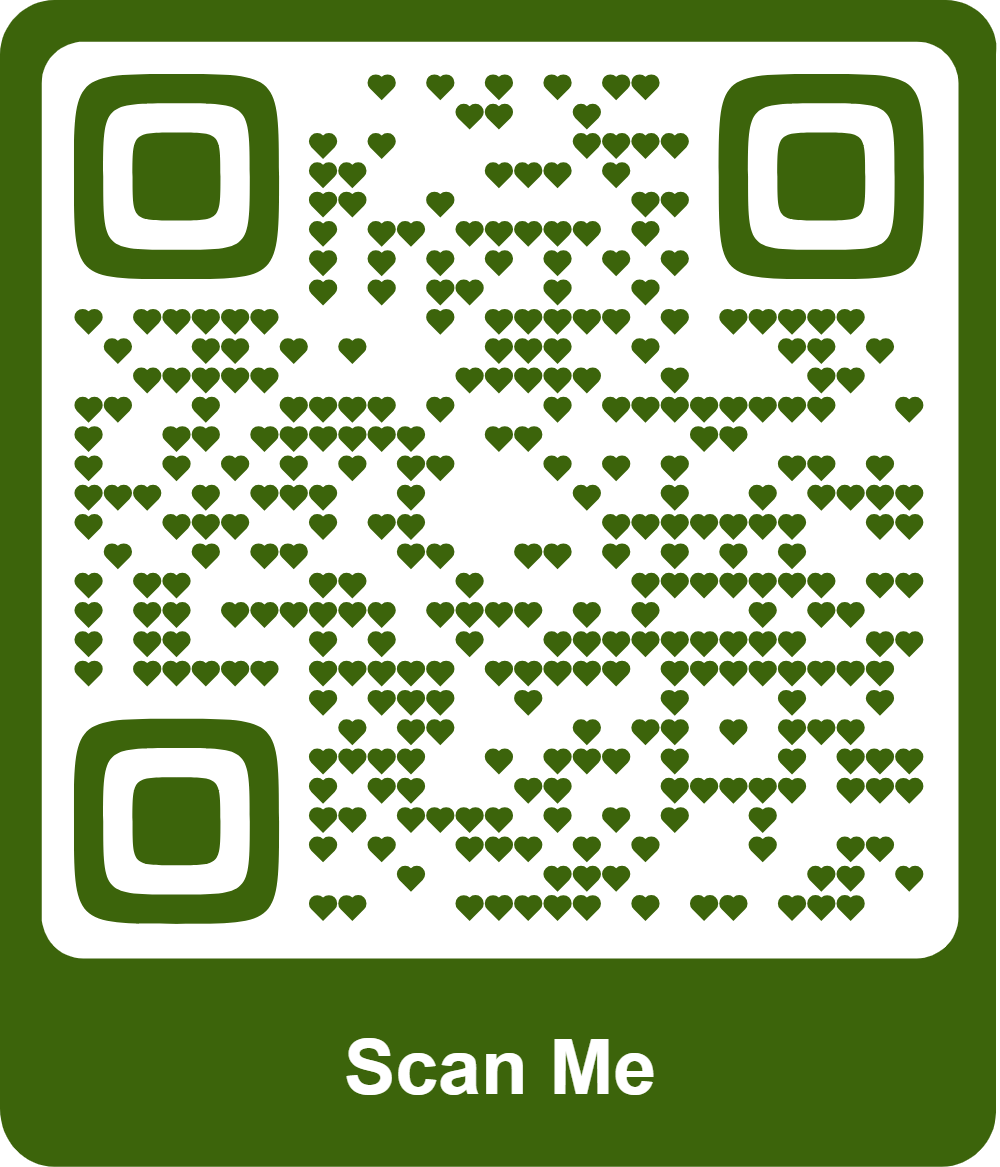
1. Scan the QR code below (you may share this to your friends).
2. Once a webpage containing our Virtual Assistant opened, Tap the “Arrow Up” icon on your web browser.
3. Click “Add to Home Screen. That’s it! Very easy!😀